Smooth trackpad
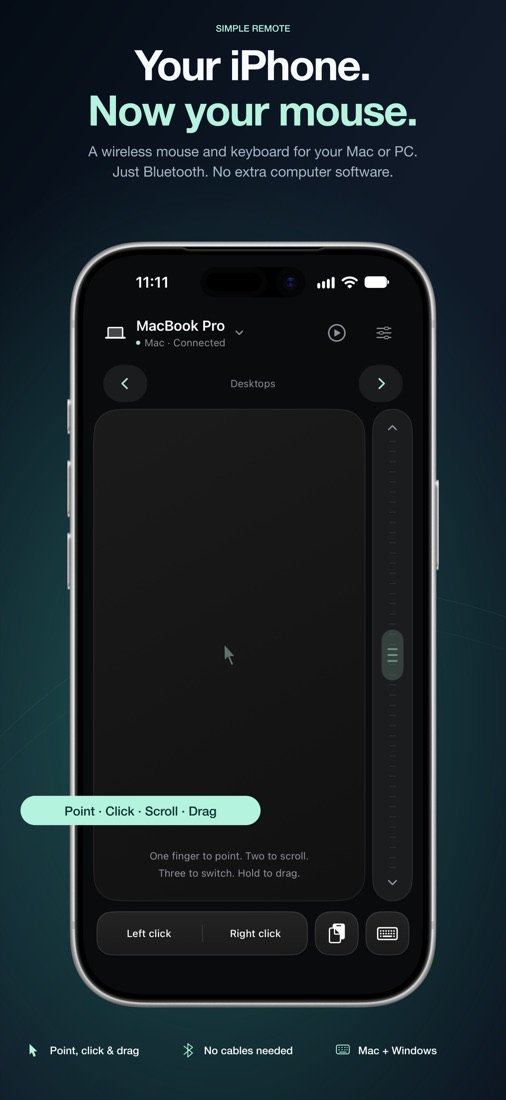
Slide to move, tap to click, two-finger tap to right-click, hold and slide to drag. Precise and fluid, with adjustable speed.
Simple Remote turns your iPhone or iPad into a wireless Bluetooth trackpad and keyboard for your Mac or Windows PC. Point, click, scroll and type from the sofa. No Wi-Fi, no account, no fuss.
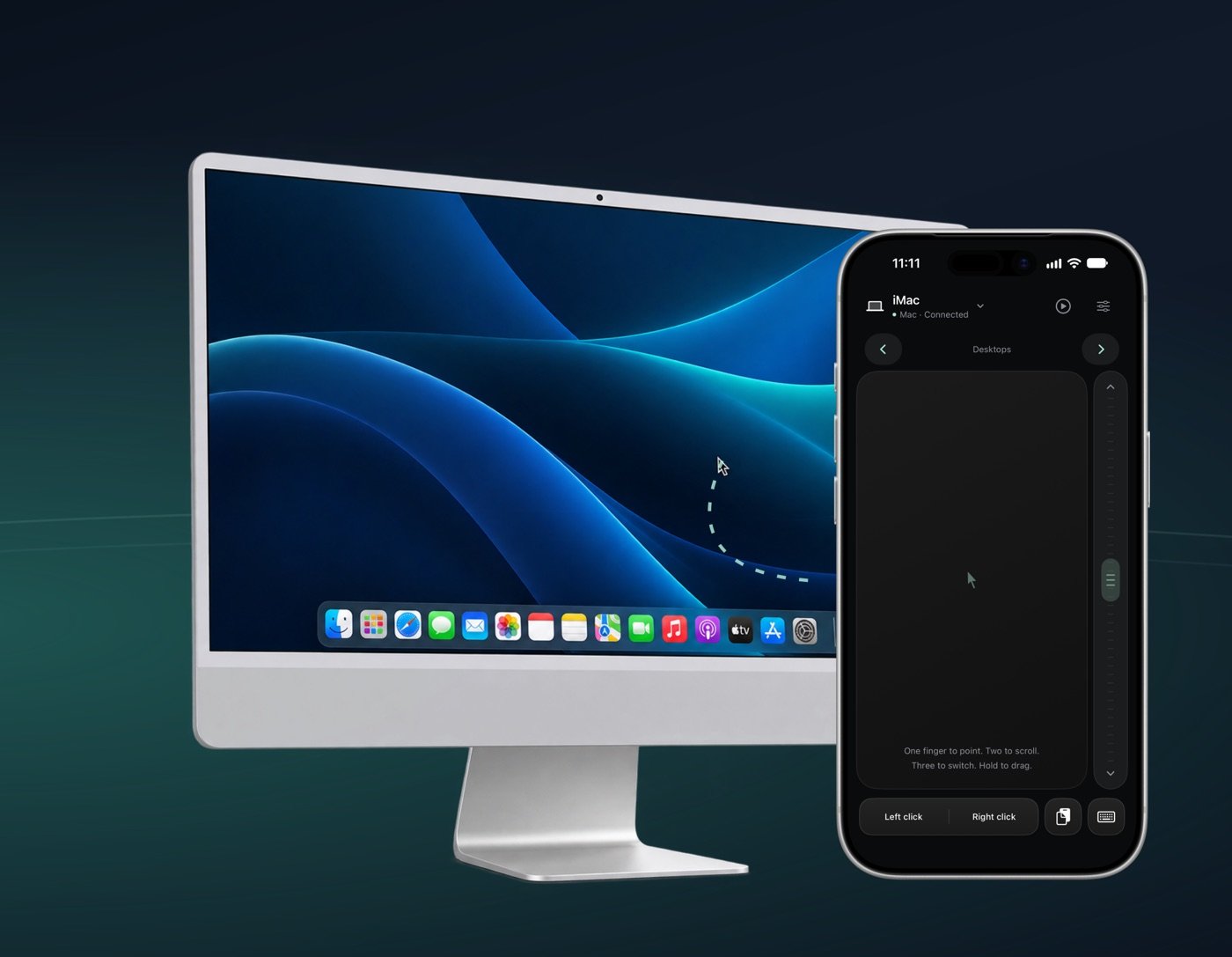
A full-size trackpad with the gestures you already know, a real keyboard with shortcuts, and controls for your music and videos.
Slide to move, tap to click, two-finger tap to right-click, hold and slide to drag. Precise and fluid, with adjustable speed.
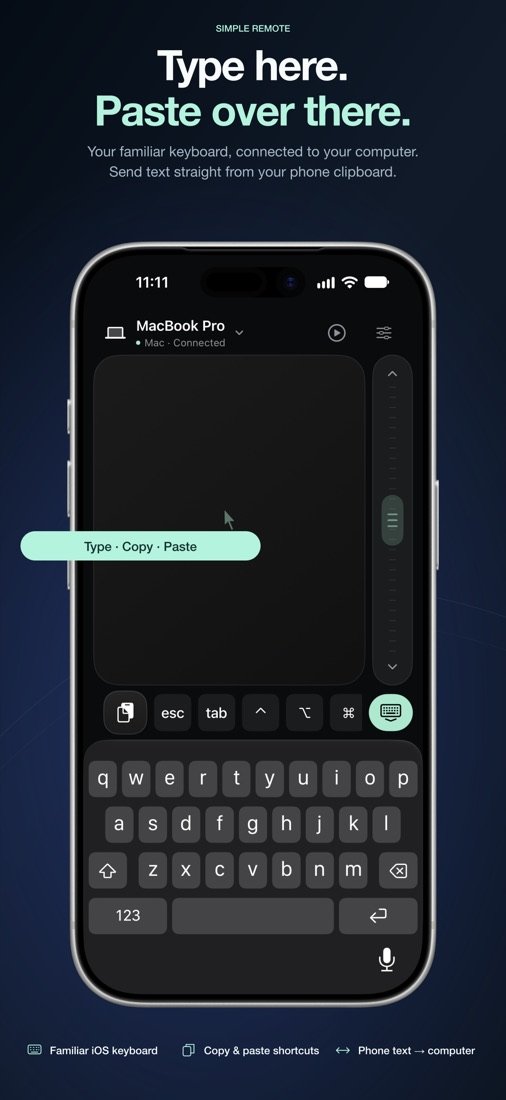
Type with your iPhone's keyboard. Escape, Tab, arrows, Command, Option and Control are one tap away for shortcuts.
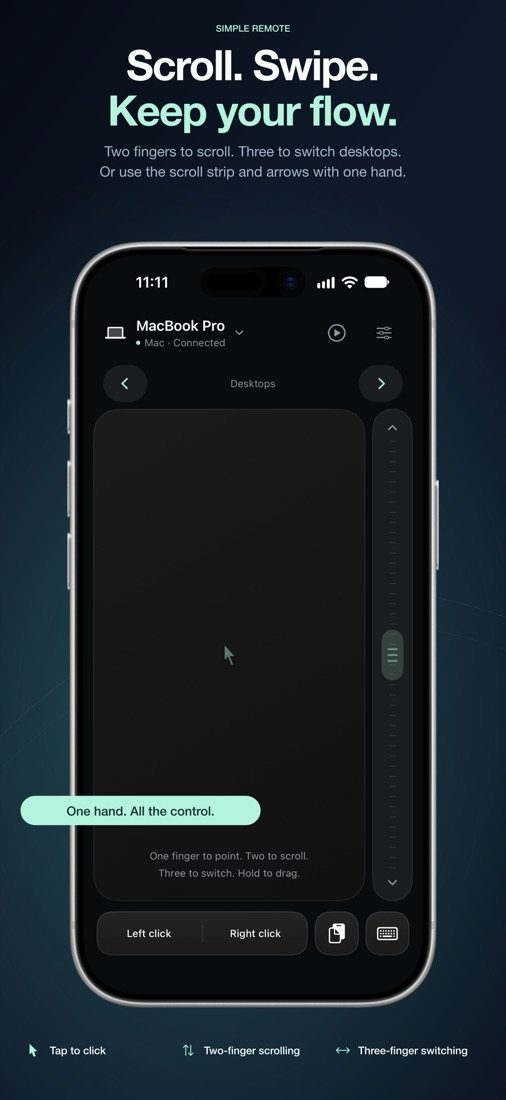
Two fingers to scroll with momentum, three fingers to switch desktops or apps. A thumb scroll strip makes one-handed use easy.
Copy text on your iPhone and send it straight to your computer: links, addresses, notes, without emailing yourself.
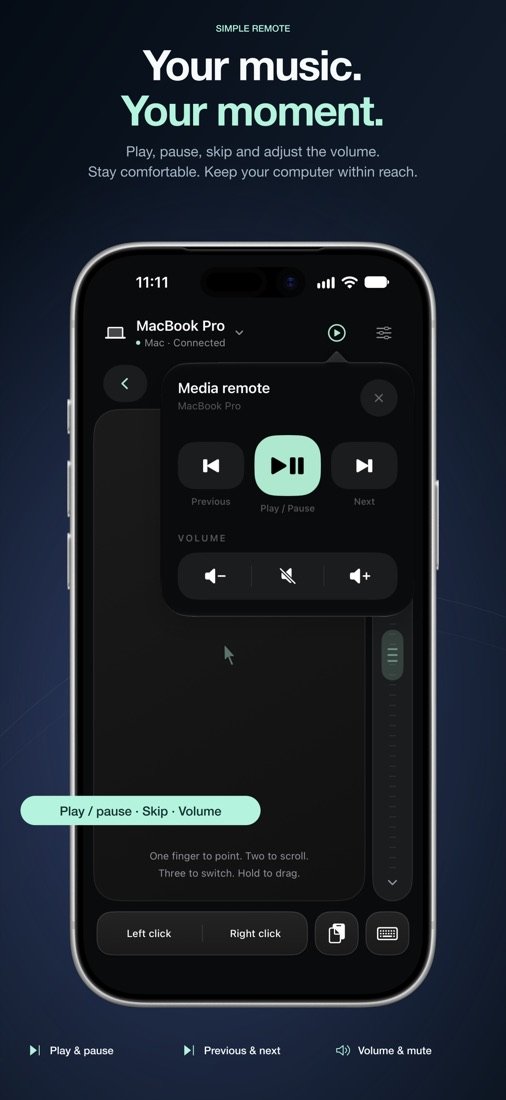
Play, pause, skip and change the volume on your computer from across the room. Perfect for films and music.
Your input goes over Bluetooth straight to your computer. No servers, no account, no analytics, no tracking.
Simple Remote pairs like any Bluetooth keyboard and mouse. Your computer doesn't need Wi-Fi, drivers or a special server.
Download Simple Remote free from the App Store on your iPhone or iPad.
Open the app, choose Mac or Windows and follow the short guide. Your computer adds it like a normal keyboard and mouse.
That's it. Next time, just open the app and it reconnects to your computer.
Nothing to install on your Mac. Pair once, then it reconnects whenever you open the app.
Pairs with Windows 10 and 11. Add the small, free Reconnect Helper and your PC reconnects automatically, even after the app has been closed.
The everyday remote is free forever, with no adverts and no time limit. Pro adds the finishing touches.
Everything you need to control your computer.
UK prices. Prices in other countries are shown in the App Store. Subscriptions renew automatically until cancelled in your Apple Account settings.
Yes. Simple Remote turns your iPhone or iPad into a Bluetooth mouse, trackpad and keyboard. Your Mac or Windows PC sees it as a standard Bluetooth keyboard and mouse, so it works without Wi-Fi or an internet connection.
On a Mac, no. On Windows the app also works without extra software, but we recommend the free Simple Remote Reconnect Helper so your PC reconnects automatically after the app has been closed.
No. Simple Remote uses Bluetooth directly between your iPhone or iPad and your computer. There is no Wi-Fi network, server or account involved.
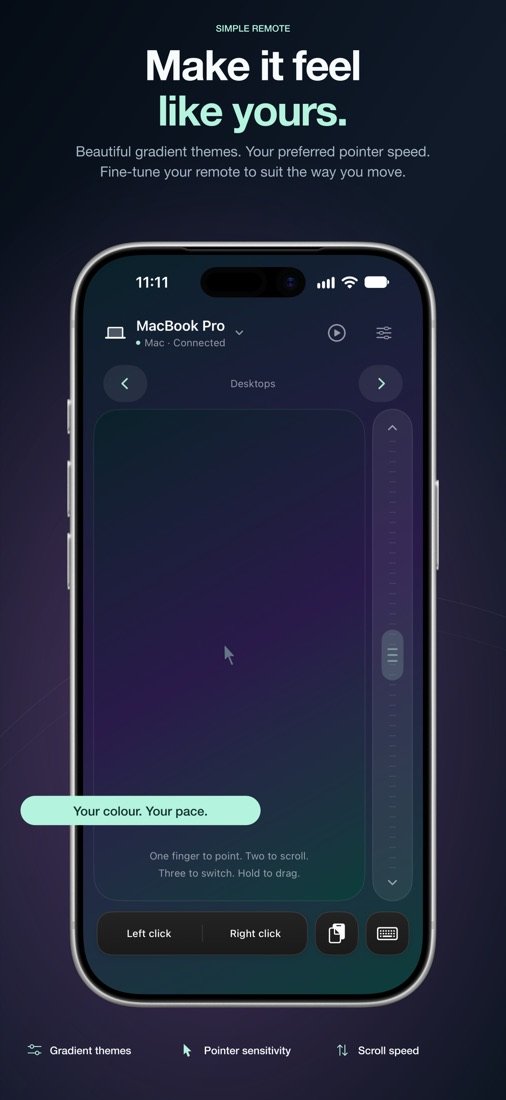
Yes. The mouse, trackpad gestures and keyboard are free with no time limit. Optional Pro adds sending text from your phone's clipboard, media controls, custom speeds and themes.
iPhone and iPad running iOS or iPadOS 17.6 or later, with Macs and Windows 10 or 11 PCs that have Bluetooth. Multi-finger gestures need iOS 18 or later.
No. What you type and paste goes over Bluetooth straight to your computer. The app has no analytics or tracking, and the developer collects no data from it. Read the privacy policy.
Free on the App Store for iPhone and iPad.